Cactus Chiropractic
From the first ring to a booked visit, on the practice's own brand.
- Built for
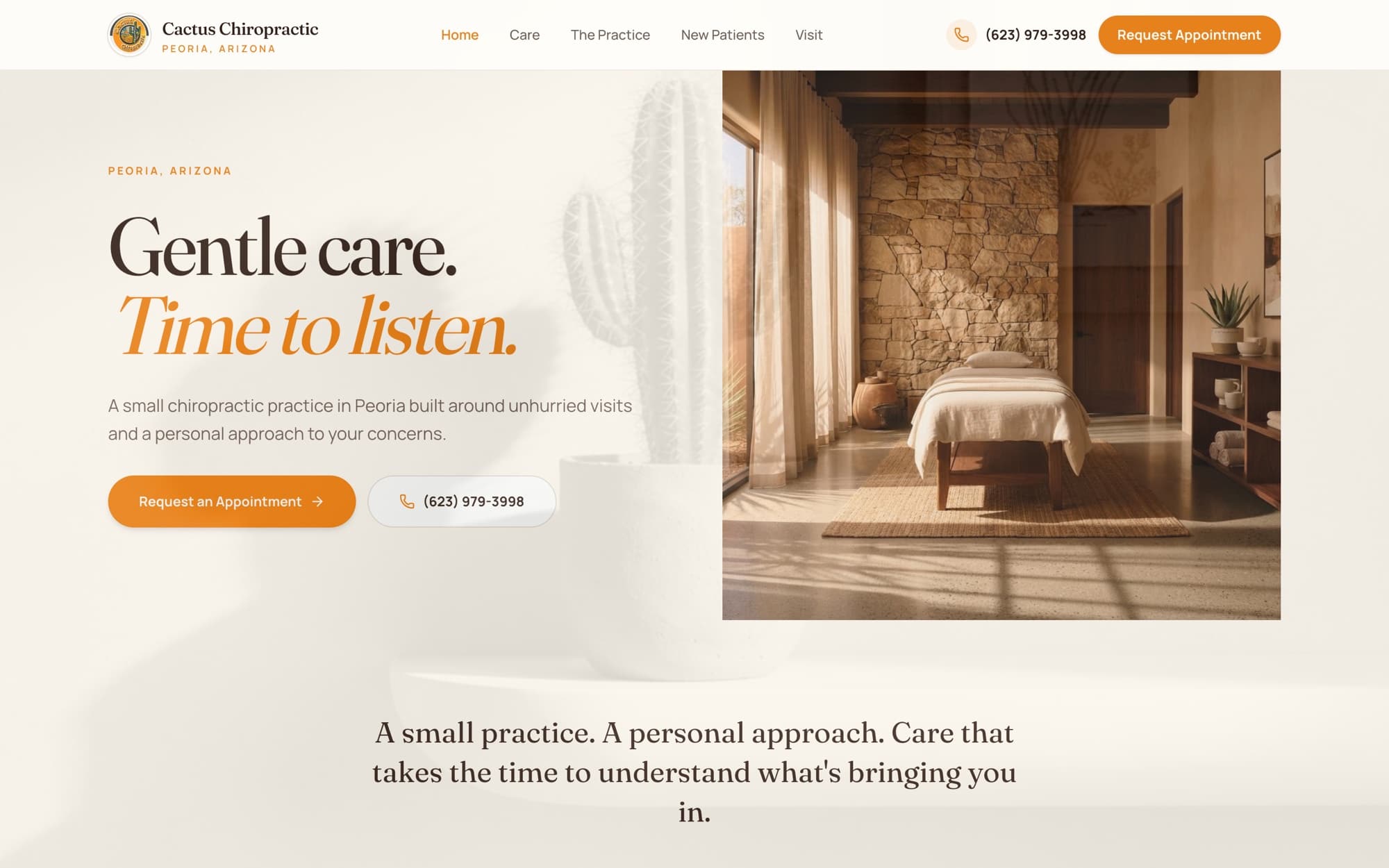
- Cactus Chiropractic, Peoria, AZ (prospect demo)
- Engagement
- AI patient acquisition system (sales demo)
- My role
- Discovery, solution mapping, workflow architecture, live demo build
- Source
- blair-demo-cactus.vercel.app
Status at time of writing
Stamped from the live build, not from the plan.
| Component | Status | Note |
|---|---|---|
| Patient website | Live Published demo in the practice's brand. | Published demo in the practice's brand. |
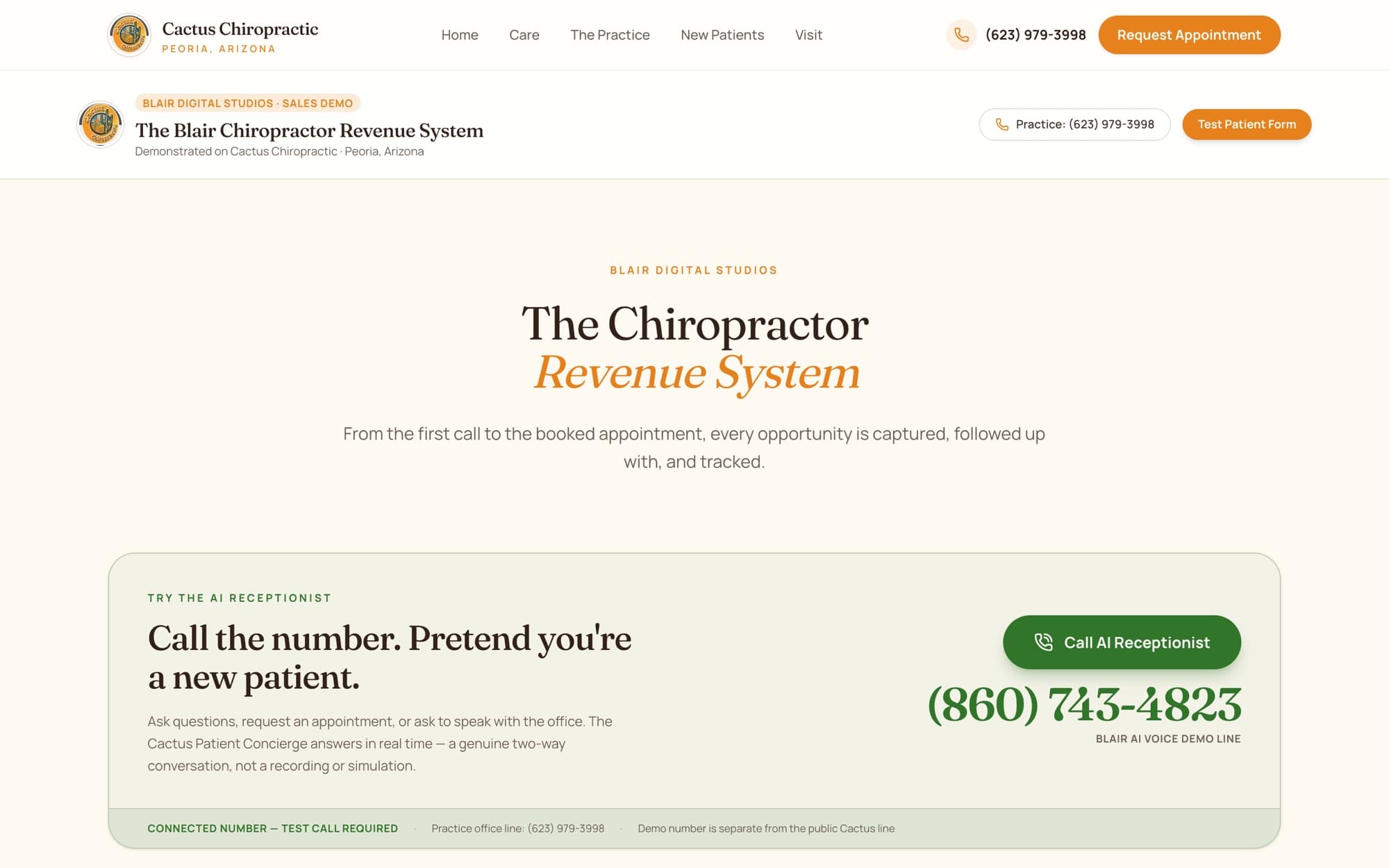
| AI receptionist | Live Two-way voice conversation in the browser at /receptionist; the original phone demo line has been retired. | Two-way voice conversation in the browser at /receptionist; the original phone demo line has been retired. |
| Pipeline, counts and reporting | Demo data Illustrative sample data, labeled on the page. No patient information. | Illustrative sample data, labeled on the page. No patient information. |
1Business problem
Small practices run the phones, the front desk and follow-up with the same two or three people. The moments that break are predictable: a call rings out during an adjustment, a web form waits until tomorrow, a no-show never hears back.
The owner rarely sees where inquiries stall, because nothing connects the phone, the website, the calendar and follow-up into one record.
2Discovery
- 2.1Start from the practice's positioning (gentle, unhurried care) so automation reads as attentiveness, not a call center.
- 2.2Map every way a new patient arrives (phone, web form) and every hand-off after it.
- 2.3Hard constraint: the demo must never touch the practice's public line or any real patient data.
3Requirements
| R-01 | Answer new-patient calls in real time with a two-way AI voice agent. |
|---|---|
| R-02 | Turn every call and form into a tracked contact with its source. |
| R-03 | Move each opportunity through a pipeline to a booked appointment. |
| R-04 | Automatic SMS + email confirmations and two-way SMS reminders. |
| R-05 | Log show / no-show and trigger follow-up, review requests and reactivation. |
| R-06 | Report every step, with sample data clearly labeled as sample data. |
4Solution architecture
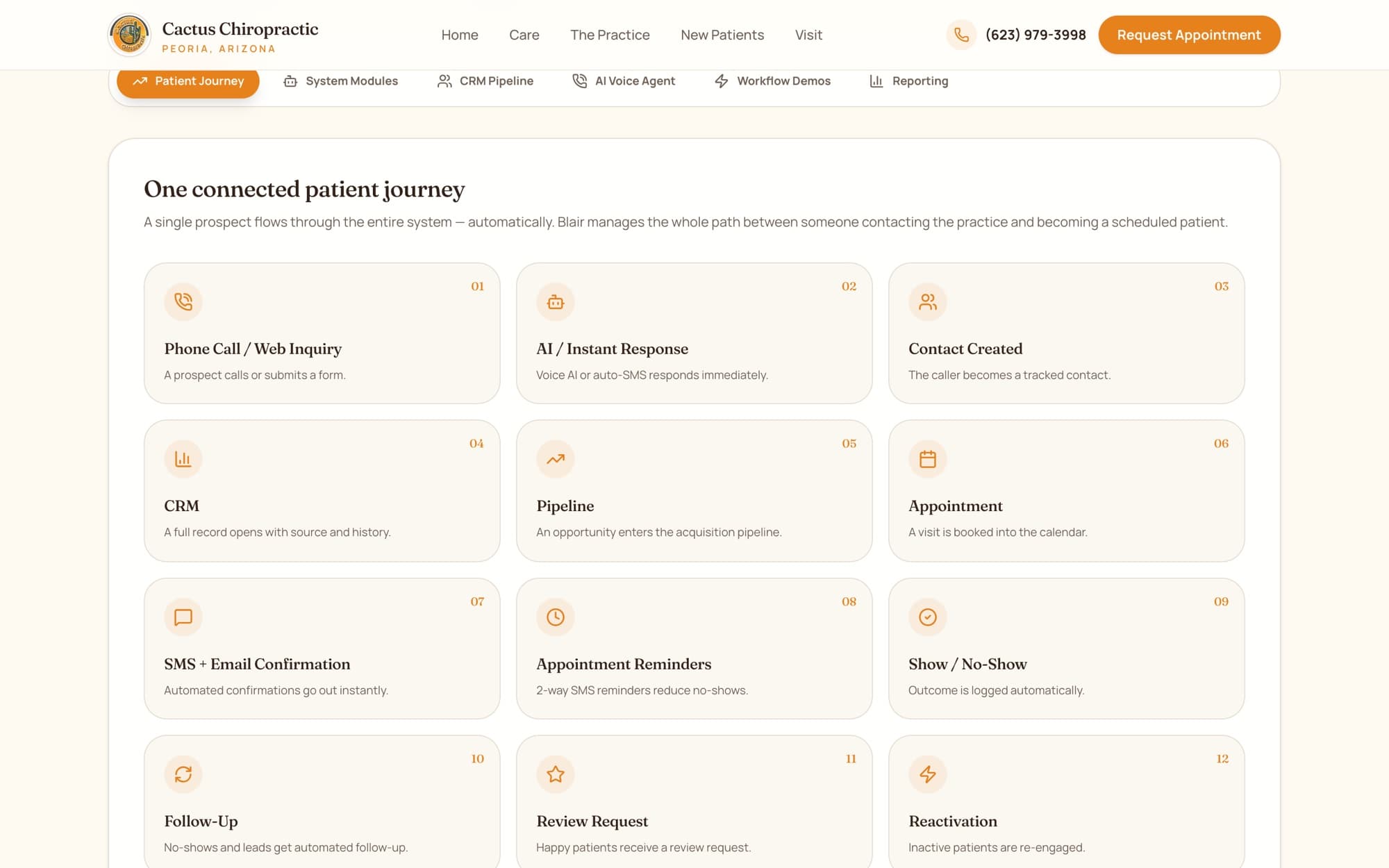
One connected patient journey. A single prospect flows through every module without manual re-entry.
Patient journey in 13 steps
- 01Call / web inquiry
- 02AI or instant SMS response
- 03Contact created
- 04CRM record
- 05Pipeline
- 06Appointment
- 07SMS + email confirmation
- 08Reminders
- 09Show / no-show
- 10Follow-up
- 11Review request
- 12Reactivation
- 13Reporting
5Demo / POC
The prospect talks to the AI receptionist, pretends to be a new patient, then watches the journey that conversation would start.
6Technologies
- AI voice agent
- GoHighLevel CRM
- CRM pipeline
- Two-way SMS
- Email automation
- Web forms
- Reporting
7Integration points
| From | To | Detail |
|---|---|---|
| Demo phone line | AI voice agentSeparate from the public practice line | Separate from the public practice line |
| Website form | CRM contact + opportunitySource recorded on creation | Source recorded on creation |
| Calendar | Confirmations + remindersSMS and email on booking | SMS and email on booking |
| Appointment status | Follow-up, review, reactivationOutcome drives the next workflow | Outcome drives the next workflow |
8Tradeoffs
| Decision | Instead of | Why |
|---|---|---|
| A separate demo channel | Instead of: Forwarding the practice's real line | The public line and real patients stay untouched; the owner still hears the real agent. It now runs in the browser, so no phone number is needed. |
| Live voice agent | Instead of: A recorded sample call | Harder to build, but it proves the product instead of describing it. |
| Labeled sample data | Instead of: Plausible-looking results | A fabricated number would be the first thing a sharp owner questions. |
| One connected journey | Instead of: Separate point tools | The value is in the hand-offs, so the demo shows the hand-offs. |
9Implementation & handoff
- Go-live scope if the practice moves forward: decide on number forwarding, connect the calendar, approve every message in the practice's voice, and set staff notifications.
- Train the front desk on the pipeline, then review reporting after the first weeks and tune follow-up timing.
10What this demonstrates
- 1.Runs a sales demo on the prospect's own business instead of a generic slide.
- 2.Designs an end-to-end workflow and makes each integration point visible.
- 3.Builds trust by labeling exactly what is live and what is sample data.